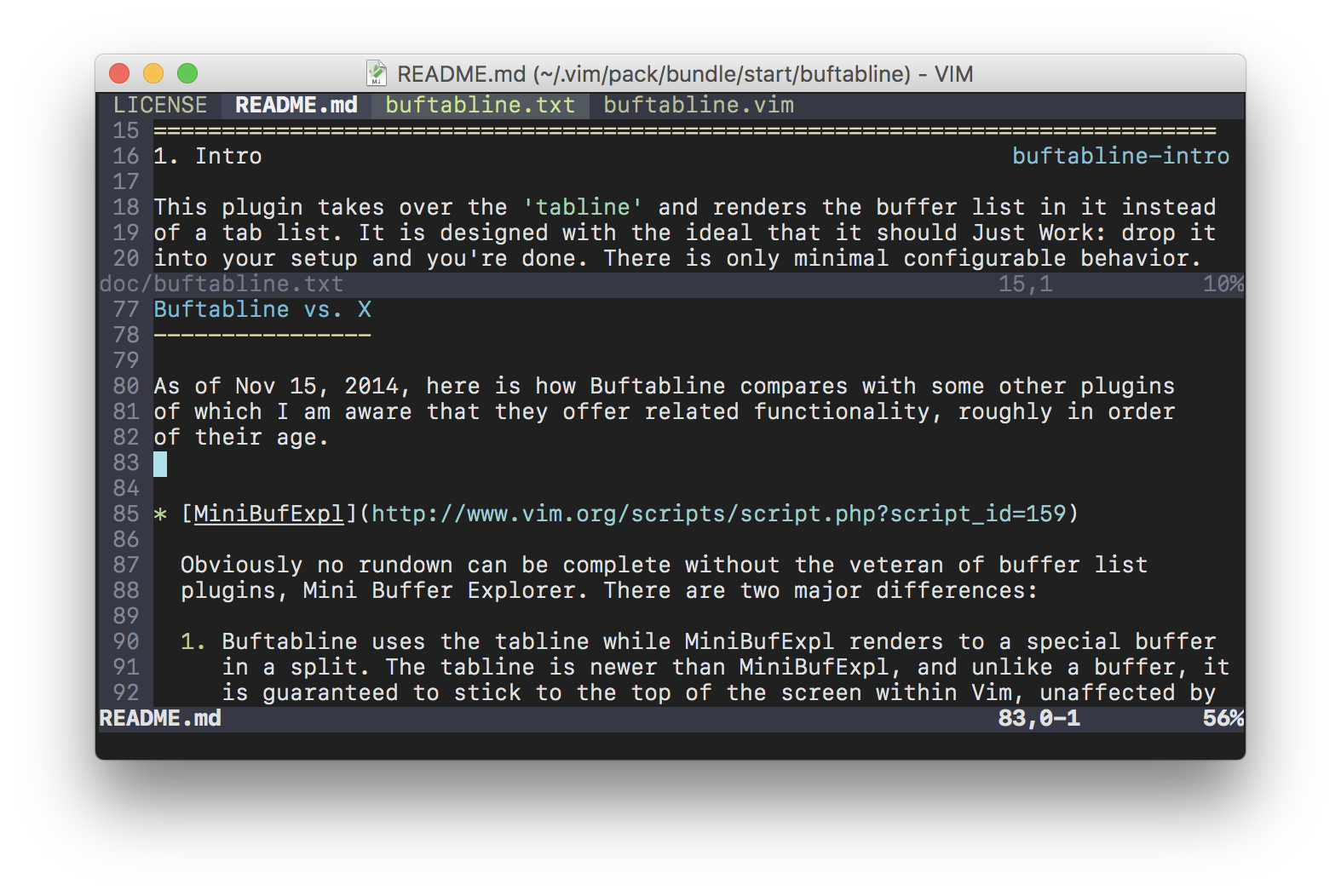
A well-integrated, low-configuration buffer list that lives in the tabline
Buffer basics
-------------
If you don’t know anything about buffers, the minimum you have to know is that
a buffer in Vim essentially means a file, and if you set `hidden`, Vim can keep
files open without necessarily displaying them on screen. You can then use the
`:bnext` and `:bprev` commands to change which buffer is being displayed in the
current window, and `:ls` to look at the list of buffers.
If this is all news to you, you should probably add this to your configuration:
set hidden
nnoremap